
Introduction
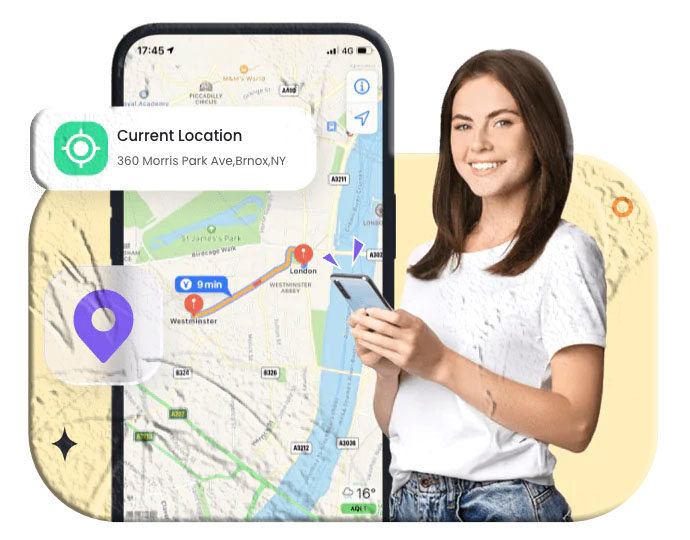
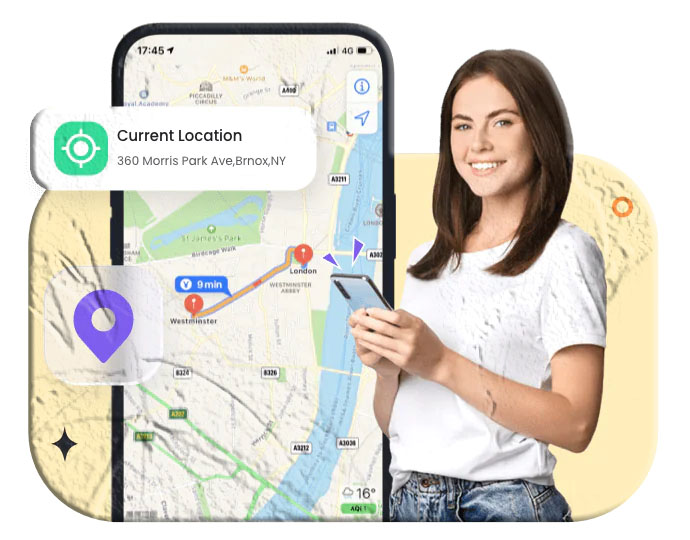
The phrase “The internet has made the world a global village” has never been more true. Today, with just a mobile number, you can connect with people across continents. But beyond calls and texts, mobile numbers linked to smartphones can also reveal location history when paired with active location services.
This can be useful for:
- Finding a lost phone
- Monitoring children’s safety
- Keeping track of your own travel history
In this guide, we’ll explore three legitimate methods to track location history using mobile numbers, discuss parental monitoring, and highlight ways to protect your privacy.
Part 1: How to Track Location History of a Mobile Number
1. Log into a Google Account Linked to the Mobile Number
Google’s Location History feature creates a personalized timeline of places visited. If the mobile number is linked to a Google account, you can view past movements easily.
Steps:
- Open Google Maps app or visit maps.google.com.
- Sign in with the Google account linked to the mobile number.
- Tap the menu (☰) and select Your Timeline.
- Use the calendar icon to choose a date and view location history.
Troubleshooting:
- If history doesn’t show, ensure Location History is turned on in Google settings.
- Restart or update the app if glitches occur.
- Reinstall Google Maps or sign out/in again if errors persist.
2. Use the Mobile Number Associated with an Apple ID
For iPhone users, Apple’s Significant Locations feature records frequently visited places. This data is private and accessible only when logged in with the Apple ID linked to the mobile number.
Steps:
- Open Settings on your iPhone.
- Go to Privacy > Location Services.
- Tap System Services > Significant Locations.
- View the list of places visited.
💡 Note: Apple limits the detail of location history compared to Google, but it’s still useful for personal tracking.
3. Track GPS Location History with a Mobile Tracker App
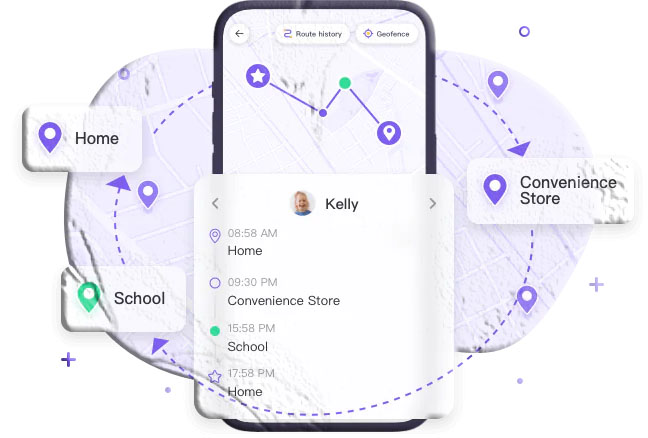
For more advanced monitoring, especially for parents, a mobile tracker app offers real-time GPS tracking and detailed history.
Example: SpyMobile Parental Control & Mobile Tracker
- Tracks GPS location linked to a mobile number.
- Shows where the phone has been, how often, and when.
- Includes parental features like geofencing and app blocking.
Steps:
- Install SpyMobile Parental Control on your device.
- Create an account and log in.
- Install SpyMobile Kids on the child’s phone.
- Pair devices using the provided code.
- Monitor location history and set safety zones.
Part 2: Should Parents Track Location History of Children’s Mobile Numbers?
Tracking a child’s location can provide peace of mind and ensure safety. Parents can confirm if their child is at school, heading home, or visiting safe locations.
Benefits:
- Prevents risky behavior by monitoring whereabouts.
- Helps guide children away from unsafe environments.
- Provides reassurance during emergencies.
⚠️ However, parents should balance safety with respect for privacy. Open communication about why tracking is used builds trust and prevents misunderstandings.
Part 3: How to Keep Location History Private
While location history is useful, it can also expose you to privacy risks. Protecting this data is essential.
Tips:
- Delete history regularly if not needed.
- Download and store securely if you want a record.
- Use apps that guarantee data privacy (e.g., SpyMobile ensures collected data is not shared).
- Always review location permissions in your phone’s settings.
FAQs
Q1: Can I track someone’s location history without their consent? No. Accessing another person’s location history without permission is illegal and unethical.
Q2: Why can’t I see my Google location history? It may be turned off, or there could be app glitches. Enable Location History in Google settings and update the app.
Q3: Is Apple’s Significant Locations feature accurate? Yes, but it records only frequently visited places, not every movement.
Q4: Can mobile tracker apps show real-time location? Yes. Apps like SpyMobile provide both real-time tracking and historical data.
Q5: How do I protect my privacy while using location services? Regularly clear history, limit app permissions, and use trusted apps that safeguard data.
Conclusion
Mobile numbers today are more than just contact points—they can unlock location history when linked to Google, Apple, or GPS tracking apps. Whether you’re finding a lost phone or monitoring your child’s safety, these methods provide practical solutions.
At the same time, protecting privacy is crucial. Always use these tools responsibly, with consent, and in compliance with local laws.