What Is Geofencing and How Does It Keep Families Safe?
Geofencing powers the 'arrived safely' alerts that quietly reassure parents every day. Here's how the technology actually works.
If you've ever received a notification that your child arrived at school, you've experienced geofencing in action. It's one of the most useful — and most misunderstood — features in family safety apps. Let's demystify it.
The simple definition
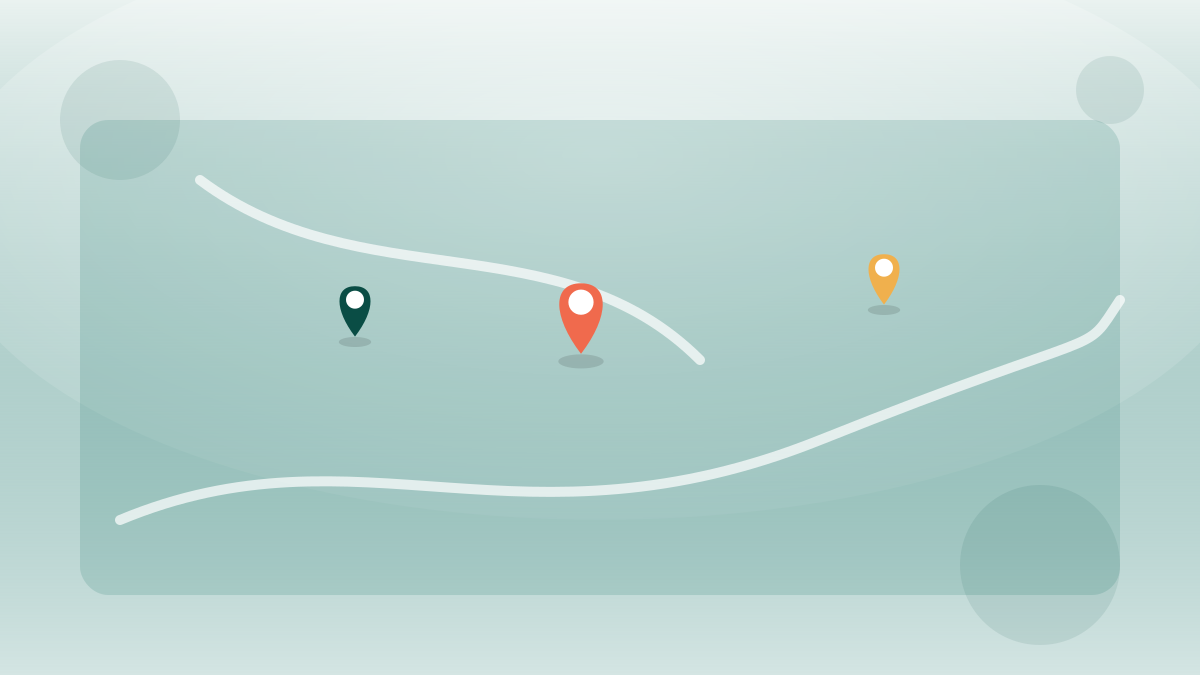
A geofence is a virtual boundary drawn around a real-world location. When a device crosses that boundary — entering or leaving — the app can trigger an action, usually a notification. Think of it as an invisible circle on a map that says "tell me when someone crosses this line."
How it works under the hood
Your phone constantly estimates its position using a combination of GPS satellites, nearby Wi-Fi networks, and cell towers. A family app compares that position against the boundaries you've defined. When the device moves from outside the circle to inside it (or vice versa), the app registers a "geofence event" and can send an alert.
Modern phones handle much of this efficiently at the operating-system level, which is why a well-designed geofence has only a small impact on battery life.
Geofencing turns "Did you get there?" texts into automatic, gentle reassurance.
Everyday uses for families
- Arrival alerts: know when a child reaches school, home, or a friend's house.
- Departure alerts: get a heads-up when a teen leaves practice so you can time the pickup.
- Coordination: see when a partner leaves work to start dinner at the right moment.
- Routine awareness: notice quickly if someone's normal routine changes unexpectedly.
Why accuracy varies
Geofences aren't perfect. In open areas with strong GPS, they're quite reliable. In dense cities, indoors, or near tall buildings, signals bounce and accuracy drops. That's why apps usually recommend making geofences a reasonable size — too small a circle around a single doorway can trigger false alerts as the location estimate wobbles.
Tip: size your fences sensibly
A radius of around 100–150 meters usually balances reliability and precision. Tiny geofences cause flickering alerts; enormous ones trigger too early. Adjust based on the location.
Privacy and geofencing
Geofencing should always be used transparently. In a healthy family setup, everyone knows which places have alerts and that crossing them sends a notification. Used openly, geofences are simply a convenience. Used secretly, they become surveillance — which is why consent-based apps make sharing visible to everyone involved.
The bottom line
Geofencing is the quiet workhorse of family safety: a simple virtual boundary that replaces a stream of anxious texts with calm, automatic updates. Understand its limits, size your fences well, and use it openly — and it becomes one of the most reassuring tools a busy family can have.
Keep your family connected — with consent at the core
SpyMobile helps families share location and set healthy digital boundaries together, transparently. No covert tracking, ever.
See plansRelated articles
Why Is My Family Locator Sometimes Wrong? GPS Accuracy Explained
Ever seen a family member's pin jump across town? Here's why location accuracy varies and how to get the most reliable results.
5 Common Myths About Family Location Sharing
Location sharing is surrounded by misconceptions. Let's separate the myths from the facts.
How to Protect Your Family's Data Privacy Online
Your family's personal data is valuable — to advertisers and to criminals. Here's a practical guide to keeping it safe.